Faster bulk administration
Use configured BizCloud rules, records and visibility to make this outcome repeatable across the organisation.
Employee types and groups make repeatable administration possible. Use them to organise employees, apply leave and document conditions, schedule reminders and control access by role.
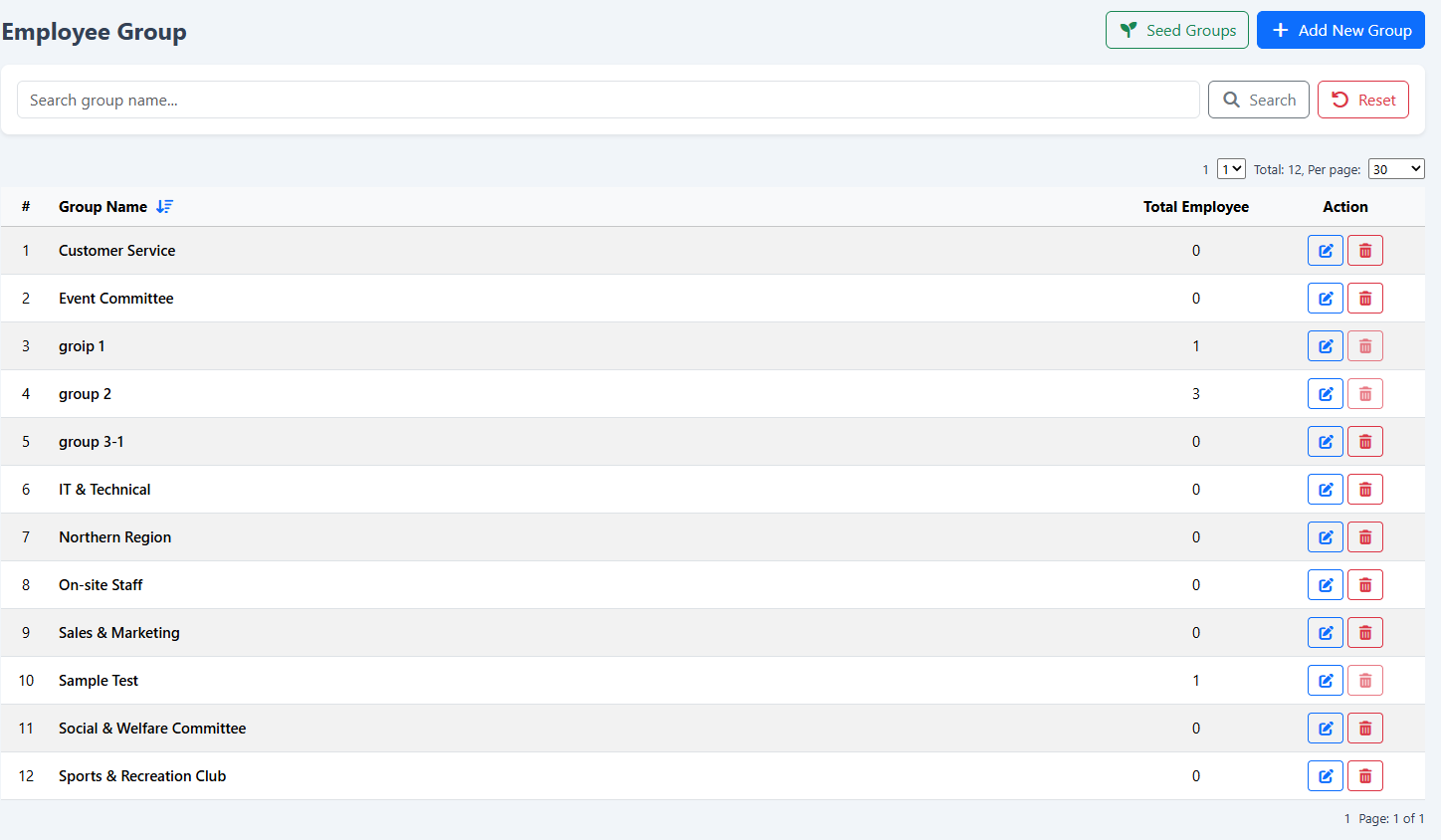
Apply rules and permissions across employees by geography, function, type or another operating group.
Use configured BizCloud rules, records and visibility to make this outcome repeatable across the organisation.
Use configured BizCloud rules, records and visibility to make this outcome repeatable across the organisation.
Use configured BizCloud rules, records and visibility to make this outcome repeatable across the organisation.
These functions come directly from the current BizCloud system and the supplied module information.
Discuss this capabilityDefine employee types and the conditions that apply to them.
Associate leave entitlement with employee type for automatic population during registration.
Organise employee groups by geography, function, branch or another practical structure.
Adjust multiple employee group assignments together.
Set permissions by group so users see only authorised functions and information.
Show upcoming birthdays in an administrator dashboard widget.
Schedule birthday reminders and automatically email designated administrators.
BizCloud combines setup rules, employee or manager actions, automated processing and controlled follow-up.
Reflect policy and operating structure in reusable definitions.
Place employees into the appropriate types and groups during registration or bulk administration.
Use those definitions to control leave conditions, required documents and system access.
Notify administrators about birthdays and other recurring employee events.
Each screenshot corresponds directly to this workflow and can be enlarged for a closer look.